EvaluationProduct walkthroughSimone Figueira6 min read
A day inside CRMDAY One: how an insurance agency runs from 8 a.m. to close
Feature lists don't show how software changes a working day. So we followed an agency, hour by hour, through the moments where CRMDAY One does its job.
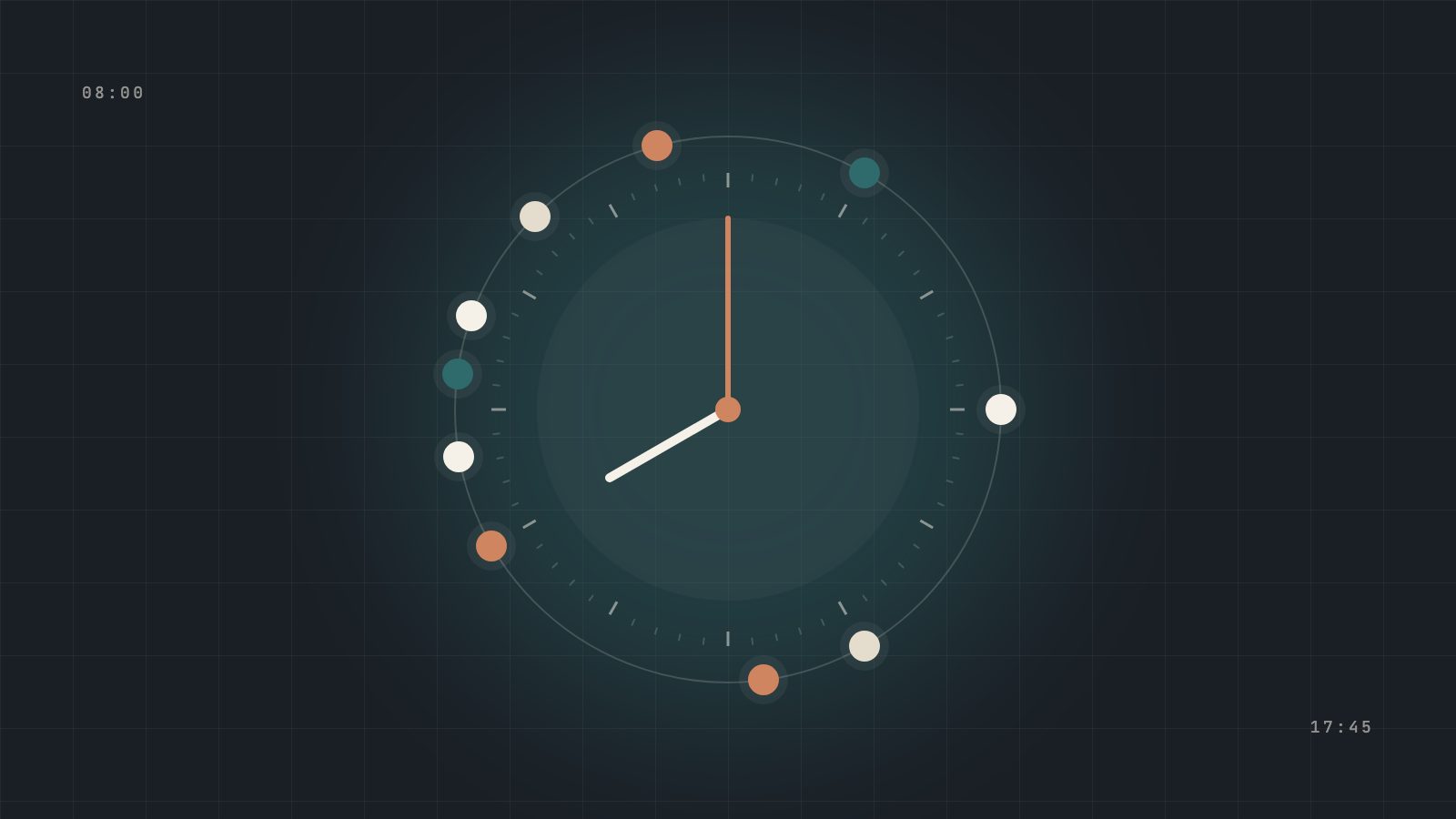
Evaluating a CRM from a feature list is like evaluating a restaurant from its ingredient list. Everything sounds reasonable; nothing tells you how dinner will be. This walkthrough takes a different angle. It follows an illustrative mid-sized agency, with a manager, three producers and two service agents selling ACA, Medicare and life, through one ordinary weekday in CRMDAY One.
The agency and the people are illustrative. Every capability described is part of CRMDAY One today; some, like Aria, Voice + SMS and Commission Management, are add-ons that the agency chose to enable.
Working on your own? The same flow applies: you are the manager, the producer and the service agent, and Aria covers the hours you are offline. Running an FMO or IMO? Each agency in the network runs this day, and leadership sees it consolidated across the hierarchy.
8:00 · The manager opens one screen, not six
Marta, the operations manager, starts with the dashboard. Before coffee, she knows three things that used to take a morning of messages: how many new leads arrived overnight and who owns them, which service cases are due today, and which renewals have no next action assigned.
- Leads by owner and stage. Overnight form submissions are already assigned and visible in the pipeline.
- Pending work by agent. One service agent has twice the open cases of the other, so Marta rebalances four of them with two clicks.
- Risk alerts. Two alerts are waiting: a policy with an agent-of-record change and a household with an unresolved document request.
The point isn't the chart. It's that every number on the screen is backed by a record with an owner, so Marta's job becomes deciding, not discovering.
8:40 · A lead that arrived at 11 p.m. is already qualified
At 11:07 last night, a woman named Grace sent a WhatsApp message asking about health coverage for her family. Nobody was working. Aria, the agency's AI assistant, answered, collected ZIP code, household size and estimated income, pulled real ACA options through Healthcare.gov and asked whether she'd like to speak with a licensed agent in the morning.
When Daniel, a producer, opens the lead, he doesn't start from zero. The conversation is on the timeline and Aria's handoff summary tells him what Grace needs, what she already saw and what's still unknown. His first call is a continuation, not an interrogation.
Curious how AI qualification and handoff work without losing human judgment? See AI automation in CRMDAY One
9:15 · The quote happens inside the client record
On the call, Daniel confirms income and household details and launches the Healthcare.gov quote from Grace's profile. He compares premiums, deductibles and networks with her on the phone. When she chooses a plan, the selection returns to the policy workflow attached to her record, together with the notes from the call.
In the agency's old setup, this step lived in a browser tab. The quote existed; its connection to the client didn't. Follow-ups relied on Daniel's memory of which plan he'd shown to whom.
9:40 · Consent, signed before the application
Before submitting anything, Daniel sends a prefilled consent form through a secure, single-use signing link. Grace signs from her phone. The signed PDF and its audit trail attach to her record automatically. If an auditor ever asks for this consent, the answer is one click away, not a search through a shared drive.
Signed formsConsent and income documents that live with the clientSend prefilled consent, Self-Employment and other forms, collect signatures through single-use links and keep the signed PDF with its audit trail attached to the right record.See CRMDAY One features10:30 · Service across channels, one conversation
Priya, a service agent, works the shared inbox. A client called yesterday about a premium change, then texted this morning with a photo of a letter, and now replies on WhatsApp. In CRMDAY One these are one thread on one client timeline. Priya sees the call notes, the photo and the policy in the same place.
- She leaves an internal note for Daniel, who sold the policy, without the client seeing it.
- She opens a case with a due date, so the request won't vanish if she's out tomorrow.
- The client's preferred channel is recorded, so the follow-up sequence uses WhatsApp, not email.
11:30 · An agent-of-record change doesn't go unnoticed
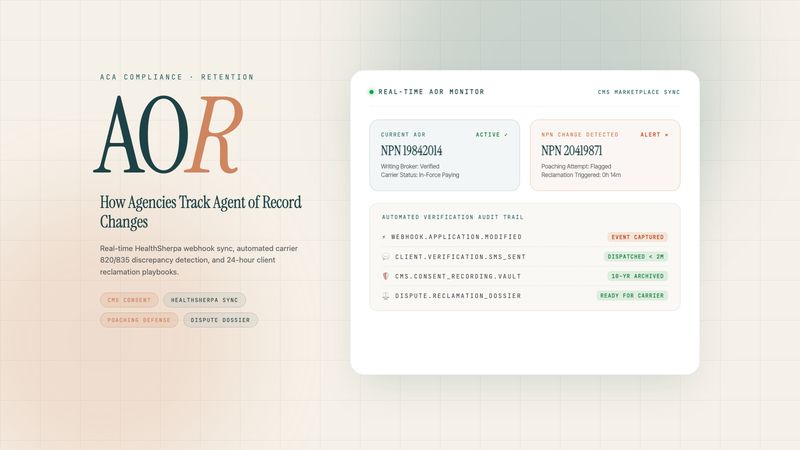
One of Marta's morning alerts was an agent-of-record change: the NPN on a household's policy no longer matches the agency. In many agencies, this is discovered weeks later as a missing commission. Here, the automation already did its part: the owner was alerted, a task to contact the client was created and a case was opened.
Daniel calls the client. It turns out another agent contacted them offering a lower premium. Daniel reviews the options, the client decides to stay, and the case records what happened. Whatever the outcome, the agency learned about it while there was still time to act.
“Retention isn't lost in one conversation. It's lost in the weeks when nobody knew there was a conversation to have.”
13:00 · Enrollment data comes in, exceptions wait for a person
The agency enrolls ACA clients through HealthSherpa. After lunch, Priya loads the latest HealthSherpa file and previews it before confirming. Then new and updated clients, policies and household members flow into CRMDAY One without duplicating records that were already processed, and without overwriting manual corrections the team made. A handful of records that can't be matched with confidence go to a review queue instead of being guessed.
She spends ten minutes on the queue. That's the kind of work people should do: resolving genuine ambiguity, not retyping exports.
Evaluating how enrollment data should reach your CRM? See the HealthSherpa integration
15:00 · Renewal season is a campaign, not a spreadsheet
It's late September, so Marta spends an hour on Open Enrollment preparation. In the Open Enrollment orchestrator, she selects the ACA portfolio by batch and starts the sequence. Each household moves through visible columns: to renew, contacted, data confirmed, quote ready, renewed. Every card has an owner, a status and a next action.
| Stage | What happens | Who acts |
|---|---|---|
| Activate | Portfolio selected, sequence started | Manager |
| Confirm | Income, household and contact changes collected | Client, via their channel |
| Quote | Plan options prepared, exceptions flagged | Producer |
| Review | Agent applies judgment and sends the proposal | Producer |
| Renew | Status, proof and next action recorded | Producer and service |
17:00 · Commissions reconcile against real policies
The agency enabled Commission Management, so late in the day the finance lead reviews the latest carrier statement against active policies. Splits between Daniel and the agency are applied automatically. One discrepancy stands out: a payment is missing for a policy that changed agent of record last month. Because that change was recorded as a case at 11:30, the explanation is already there.
17:45 · The end-of-day review takes five minutes
Before leaving, Marta checks the same dashboard she opened in the morning. Grace's application is in progress with consent signed. The agent-of-record case is resolved. The review queue is empty. Tomorrow's due cases have owners. Nothing important lives only in someone's head or phone.
What changed, compared with a patchwork day
| Moment | Patchwork agency | Agency on CRMDAY One |
|---|---|---|
| Overnight lead | Waits until someone checks the inbox | Qualified by Aria, handed off with a summary |
| Quote | Separate tab, notes in memory | Launched from the profile, plan returned to the record |
| Consent | E-signature tool, file saved somewhere | Single-use link, signed PDF on the client |
| Multichannel service | Three apps, three partial histories | One timeline, internal notes, cases with due dates |
| Agent-of-record change | Discovered as a missing commission | Owner alerted, client contacted, case opened |
| Enrollment data | Manual export and import | Preview, sync and review queue for exceptions |
| Open Enrollment | Spreadsheet of who was called | Batches, Kanban, owner and next action |
None of these moments is dramatic on its own. Together, they are the difference between a team that spends the day finding information and a team that spends it helping clients.
Next step
Test it with your own workflows.
Start a free trial with a sample of your book, or bring your questions to a conversation with our team.