EvaluationHealthSherpaAlex Mariano3 min read
How to evaluate a HealthSherpa CRM integration: a buyer's checklist
"We integrate with HealthSherpa" can mean anything from a CSV import to a real operating workflow. Here is how to tell.
For ACA agencies, HealthSherpa is where much of the book is enrolled. The CRM is where the relationship is managed. How well those two talk to each other decides whether your team works from current data or chases spreadsheets. Before choosing a CRM, test the integration as carefully as you test the interface.
The difference between a sync and a workflow
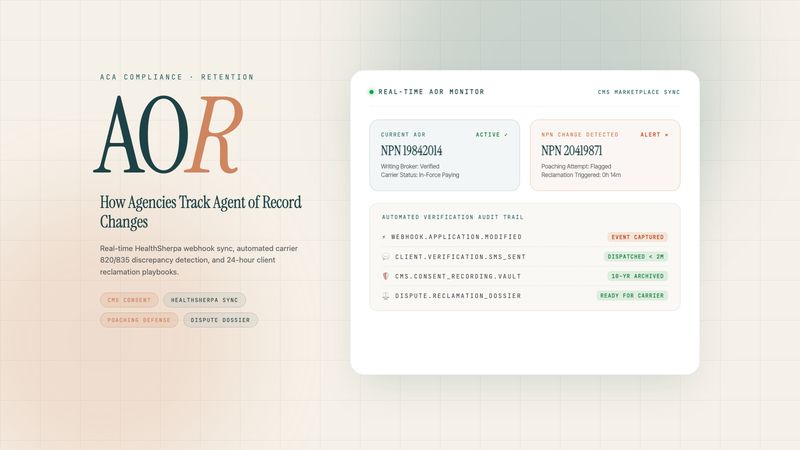
A basic integration copies records. A useful one turns changes into work: a new application becomes a client with an owner, a data matching issue becomes a task with a due date, an agent-of-record change becomes an alert for a manager. Ask vendors to show the second, not just the first.
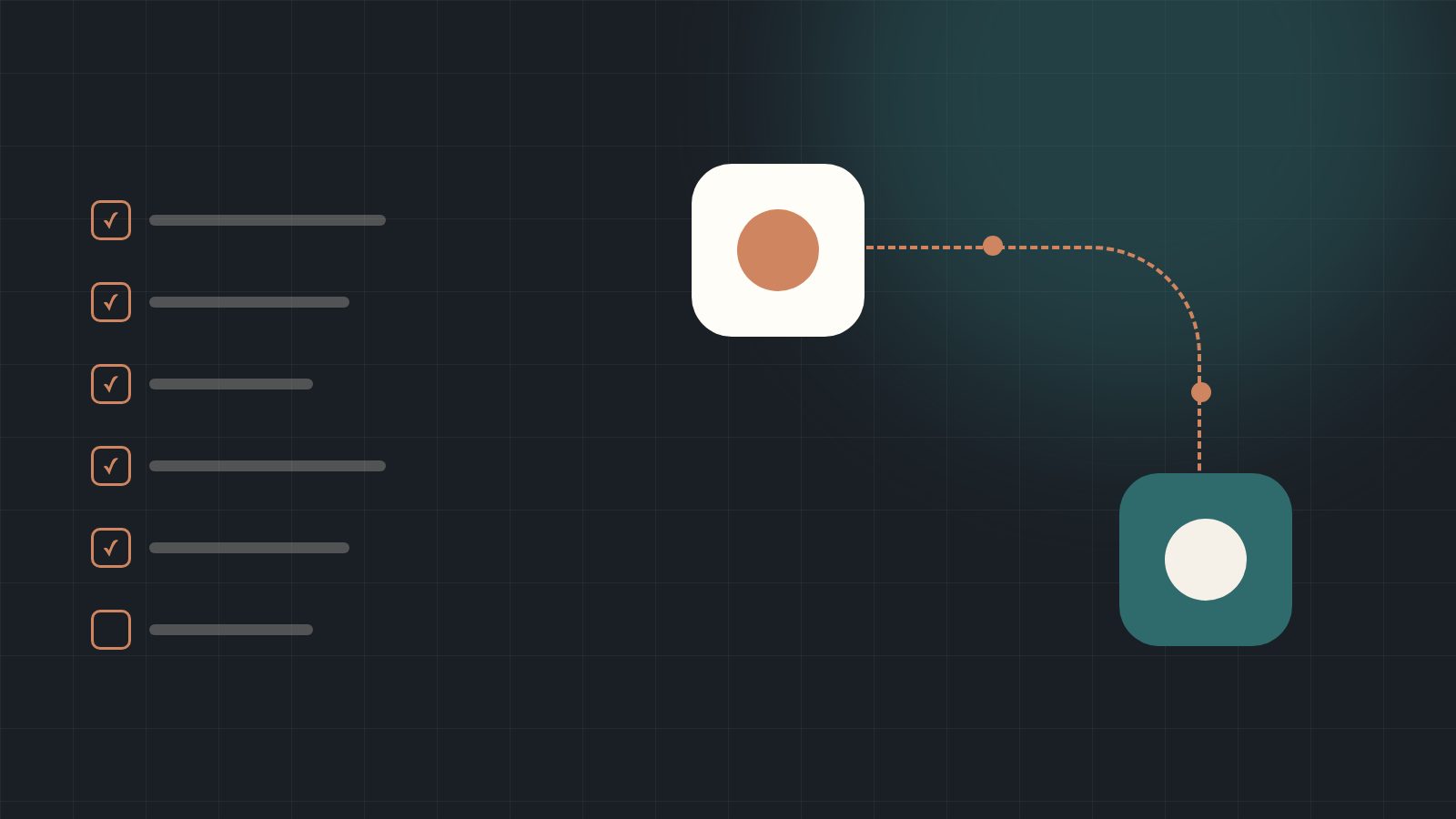
The buyer's checklist
| Test | What good looks like |
|---|---|
| Matching | Existing clients are updated, not duplicated; household members stay linked |
| Preview | You can see what will change before it syncs |
| Manual corrections | Deliberate edits made by your team are preserved |
| Conflicts | Records that don't match go to a review list instead of being overwritten |
| DMIs | Pending documentation becomes an assigned task with a deadline |
| Agent changes | Portfolio changes trigger alerts and a retention follow-up |
| Renewals | Synced data feeds renewal queues and outreach |
Questions to ask the vendor
- How often does the data update, and who triggers it?
- Which fields come in, and which ones never overwrite our edits?
- What happens when a client appears in two applications?
- Can we audit what changed, when and by whom?
The integration is only as good as the next action it creates for your team.
HealthSherpa integrationYour HealthSherpa book, inside the operationSee how CRMDAY One turns applications, DMIs, agent changes and renewals into structured work, with preview and conflict review.Explore the integrationNext step
Test it with your own workflows.
Start a free trial with a sample of your book, or bring your questions to a conversation with our team.
Sources
This article is for information only and reflects public information as of its publication date. It is not legal or tax advice. Confirm current rules with CMS, your state exchange and your carriers.